Royal Mail 'Unpaid Shipping Fee' Text Scam: How to Identify It (UK)
A text message claiming Royal Mail has a parcel waiting that requires an unpaid shipping fee or updated delivery address is a fraudulent phishing attack. Royal Mail only leaves physical grey 'Something for you' cards through your letterbox; they never send text messages demanding immediate payment for parcel release.
Prefer an advisor to guide you through these physical steps?
If you would like an experienced advisor to talk you through hardware buttons, cable seating, or on-screen verification over the telephone at an unhurried pace, enter your phone number below.
Royal Mail 'Unpaid Shipping Fee' Text Scam: How to Identify It (UK)
Target Search Intent: UK smartphone owners who received an urgent SMS text message claiming Royal Mail has an undelivered parcel waiting at the local depot, requiring the recipient to pay an unpaid £1.45 shipping surcharge, custom fee, or update their delivery address via a suspicious website link.
Target Audience: British seniors, pensioners, online shoppers, and family caregivers across England, Scotland, Wales, and Northern Ireland.
Word Count: ~1,030 words | Reading Time: 5 mins | Category: Scams & Pop-ups
Quick Expert Answer (Direct GEO Summary)
A text message claiming Royal Mail has a parcel waiting that requires an unpaid shipping fee or address update is a dangerous phishing scam known as smishing. Royal Mail NEVER sends unsolicited text messages demanding fee payments before releasing parcels. If Royal Mail genuinely cannot deliver an item, your local postie will leave a physical grey 'Something for you' card through your letterbox. Do not click the link, do not enter banking details, and forward the scam text to 7726.
The Courier Phishing Boom: Why You Received This Royal Mail Text
You hear your mobile phone chime in your home in the United Kingdom.
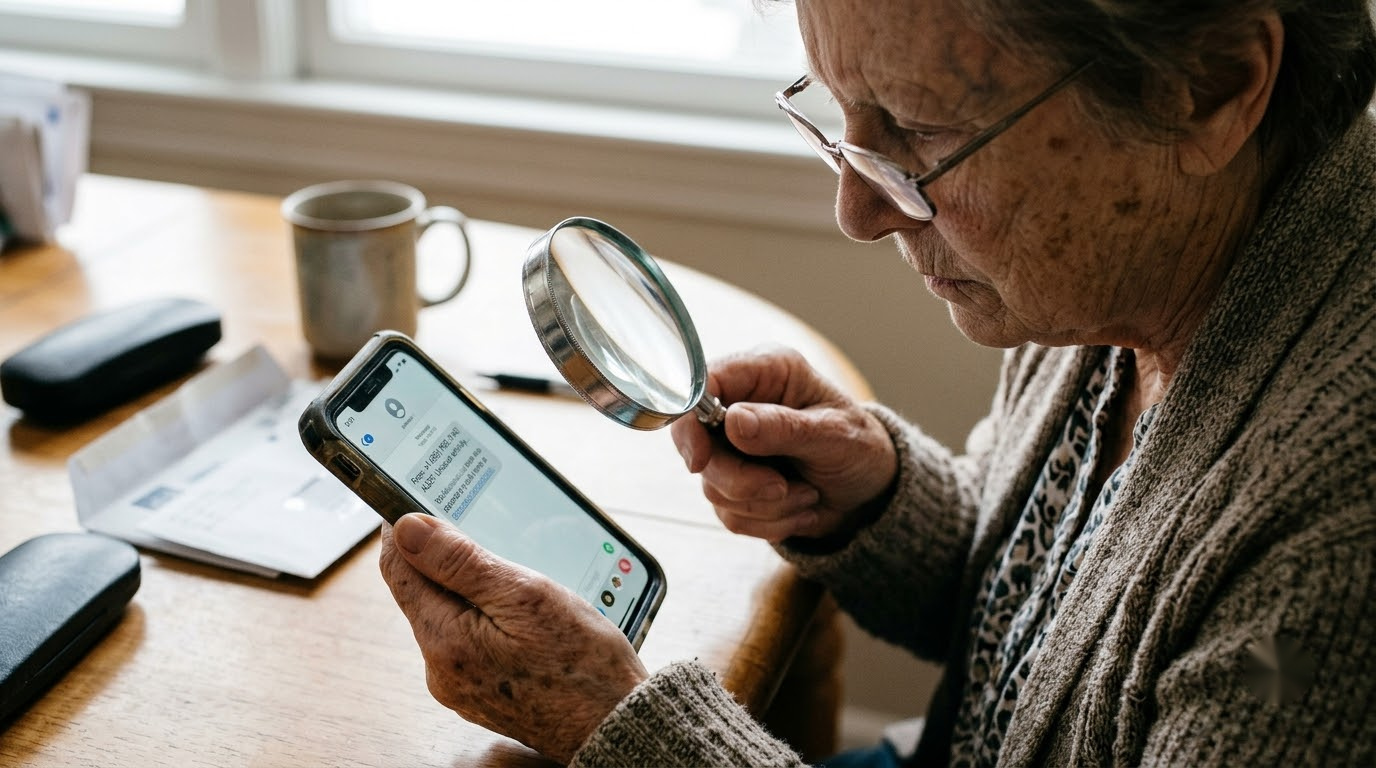
You pick up the handset and look at an incoming text message:
"Royal Mail: Your parcel has arrived at the local depot but cannot be delivered due to an unpaid shipping fee of £1.45. Please settle the outstanding fee to reschedule delivery: https://royal-mail-fee-redelivery.info/pay"
You pause and reflect:
- "Did I order something online recently from M&S, Next, Amazon UK, or Boots?"
- "Is a relative or friend sending me a parcel for a birthday or anniversary?"
- "Did I buy a gift on eBay or Vinted that had inadequate postage stamps?"
Because millions of British households receive parcels through Royal Mail every single week, the message feels plausible.
The text sounds polite yet urgent: if you do not pay the £1.45 within 24 hours, your parcel will supposedly be returned to sender or destroyed.
Take a deep breath and do not click that link: this text message is a 100% fraudulent cybercrime attack.
flowchart TD
    A[Cybercrime Gangs Broadcast 1,000,000 Fake Royal Mail Texts] --> B[British Recipient Receives: 'Parcel Waiting - Unpaid Fee £1.45']
    B --> C{What Happens if Recipient Clicks the Link?}
    C -- DANGEROUS: Clicks Link & Enters Debit Card --> D[Counterfeit Website Captures Card Number, Expiry & CVV]
    D --> E[Criminals Drain Current Account via High-Value Online Fraud]
    C -- SAFE: Looks for Physical Grey Card in Letterbox --> F[Finds No Grey Card: Recognizes Text as Fraud]
    F --> G[Forwards Text to 7726 & Deletes: 100% Protected!]
1. How the Royal Mail "Smishing" Scam Operates
"Smishing" (SMS phishing) is an organized cybercrime scheme designed to compromise British bank accounts. Here is the reality of how the scam unfolds:
- Mass Automated Harvesting: The scammers have no idea who you are, and they have no idea whether you actually have a parcel on the way. They use automated computer software to send the identical text message to hundreds of thousands of random UK mobile numbers (07xxx xxx xxx) every day.
- The Micro-Payment Trap: The fee requested is always intentionally small (usually £1.25, £1.45, or £2.99). Criminals know that most people won't think twice about paying £1.45 to receive a package.
- The Counterfeit Website: If you click the link, your mobile browser opens a counterfeit website that looks identical to the official Royal Mail website, featuring the recognizable red branding and the Royal Mail cruciform crest.
- The site asks for your full name, home address, date of birth, mother's maiden name, and your 16-digit debit card number and 3-digit CVV security code on the back.
- The Bank Drain: Once the criminals have these details, they do not take £1.45. They immediately attempt to transfer hundreds or thousands of pounds out of your bank account, set up fraudulent online banking profiles, or purchase expensive electronics on high-street websites.
2. The Official Royal Mail Protocol (How Real Deliveries Work)
To protect yourself, keep in mind the strict, standard procedures of the real Royal Mail:
- The Physical Grey Card: Royal Mail will never text you out of the blue demanding a surcharge fee. If an item has an unpaid fee or cannot fit through your letterbox, your postie will physically drop a grey card titled "Something for you" through your front door.
- Official Royal Mail Web Addresses: Legitimate Royal Mail links ALWAYS end in
.royalmail.com(e.g.,https://www.royalmail.com/track-your-item). They will never end in strange extensions like.info,.top,.xyz,.support, or.org. - Official Sender ID: Real Royal Mail notifications never originate from ordinary 11-digit UK personal mobile numbers (07xxx) or foreign country codes (such as
+1,+33, or+63).
🚫 Critical Actions to Avoid
- DO NOT click the web link inside the text message: Clicking the link verifies that your mobile number is active, leading to dozens of additional scam calls and texts.
- DO NOT enter your debit card or online banking details: Royal Mail does not hold parcels hostage for £1.45 text payments.
- DO NOT call any telephone numbers listed inside the text message: The numbers connect directly to scam boiler rooms designed to harvest additional personal information.
Step-by-Step Fix: What to Do If You Received This Text
Follow these three steps to handle the scam text safely in the UK:
Step 1: Forward the Scam Text to the Free 7726 Service
The UK government, Ofcom, and all British mobile networks (EE, Vodafone, O2, Three, Sky Mobile, BT) run a dedicated scam reporting service:
- Press and hold down on the scam text message bubble on your mobile phone.
- Select Forward.
- In the recipient "To" box, enter the number:
7726(this spells SPAM on your telephone keypad). - Tap Send.
- Your network provider will investigate the link and coordinate with law enforcement to take down the fraudulent website.
+-------------------------------------------------------------+
|  UK National Scam Reporting Protocol                        |
|                                                             |
|  1. Do NOT click the link!                                  |
|  2. Forward text message to: [ 7726 ] (Free of Charge)      |
|  3. Tap 'Delete and Report Junk'                            |
+-------------------------------------------------------------+
Step 2: Delete and Block the Sender
- On an iPhone: Tap the sender details at the top > tap Info > tap Block this Caller, then tap Delete and Report Junk.
- On an Android Phone: Tap the three dots in the top corner > tap Block & report spam > tap OK.
Step 3: What to Do If You ALREADY Entered Your Banking Details
If you or an elderly relative already clicked the link and entered card details:
- Act Immediately: Call your UK bank's 24/7 fraud emergency department right now (look at the back of your debit card for the official emergency number).
- Tell the fraud operator: "I have entered my debit card details on a fraudulent Royal Mail phishing website. Please cancel my card and issue a replacement immediately."
- Ask the bank to check for any unauthorized pending transactions.
- Report the crime to Action Fraud UK on 0300 123 2040 or at
actionfraud.police.uk.
UK Senior & Caregiver Practical Checklist
If you are an adult son or daughter in the UK assisting an older parent who is worried about missing a parcel:
- Track Parcels Directly on RoyalMail.com: If the parent is genuinely waiting for an item, look up the tracking code from the original online order receipt and type it directly into
www.royalmail.com. - Turn On Unknown Sender Filtering: On iPhone, go to Settings > Messages and enable "Filter Unknown Senders". On Android, turn on "Spam Protection" in the Messages settings.
- Remind Them About the Grey Card: Tell seniors: "If there isn't a physical grey cardboard card in your letterbox, Royal Mail does not have a parcel for you."
📞 Worried Your Banking Details Were Compromised?
If you entered your information on a suspicious website or are worried that an unauthorized charge might appear on your bank statement, don't worry. Our patient, UK-based technical support team can call your landline or mobile right now, help verify your online security, and give you complete peace of mind.
Click Here to Request an Immediate Phone Callback
Related Troubleshooting Guides in This Cluster:
Prefer an advisor to guide you through these physical steps?
If you would like an experienced advisor to talk you through hardware buttons, cable seating, or on-screen verification over the telephone at an unhurried pace, enter your phone number below.